
Senders can now limit the number of times a recipient can access a SendSafely secure package in addition to providing an expiration date. Once the limit is reached, further attempts to access that item are blocked. This extra layer of protection further reduces any opportunity for unauthorized package access, and is great for sharing credentials and other secret information.
Recipient Access Limits is a feature of the all new Advanced Privacy Bundle. Combined with document watermarking and the ability to restrict file saving and printing, securing your data has never been more comprehensive.
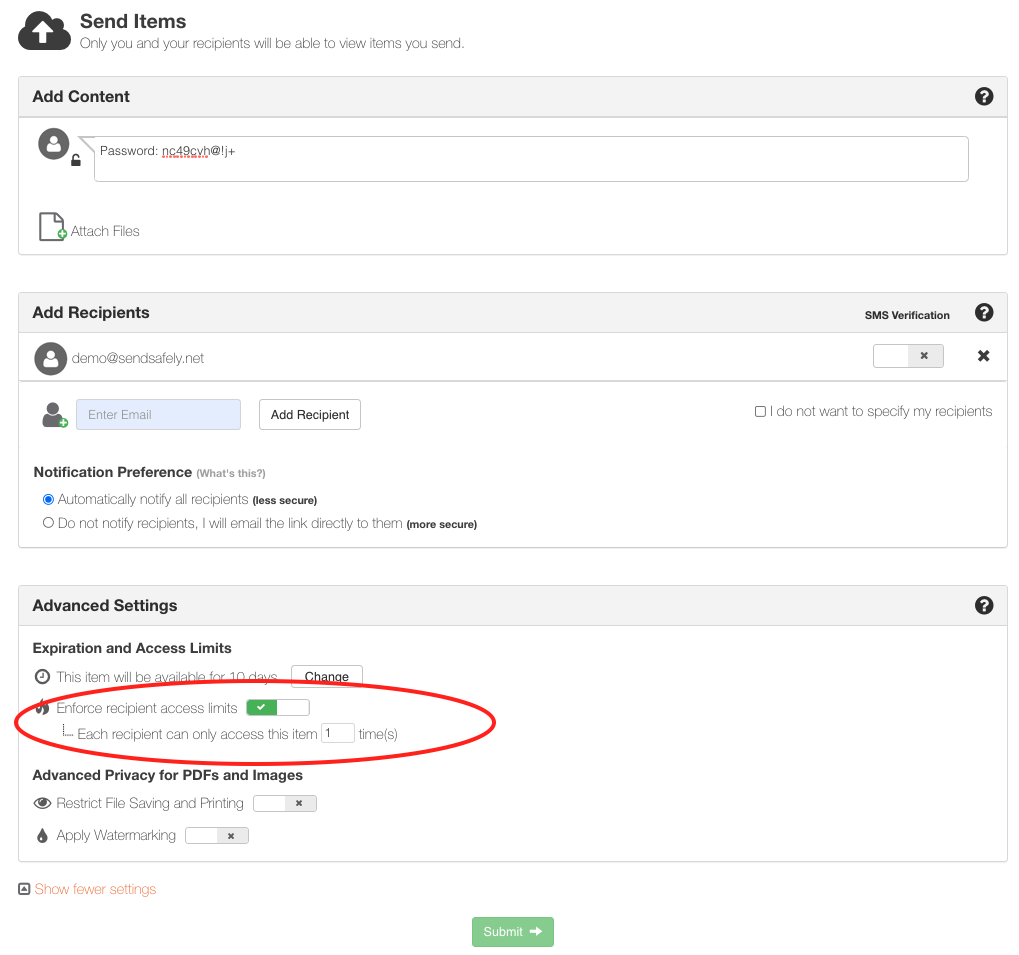
Recipient Access limits can be set on a per-package basis from the Send Items page in the SendSafely web portal. Move the slider to the on position then choose the number of attempts you wish to allow (by default, the maximum number of attempts is set to 1).
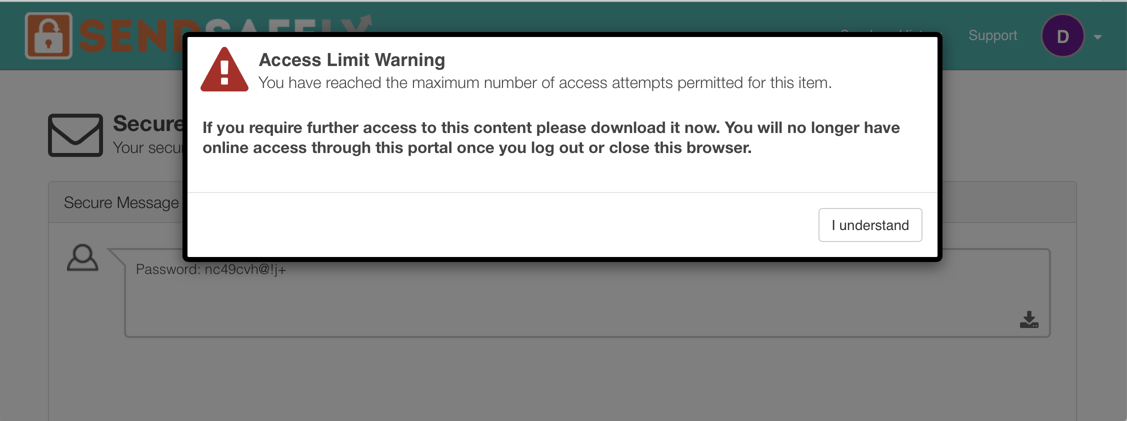
Recipients will receive a warning on both the second to last, and last permitted access attempt letting them know that future access attempts will be blocked.
The package sender is notified via email each time a recipient accesses the package. Senders can also monitor and adjust individual recipient access limits from the Recipient Access Control section of the Package Status page.
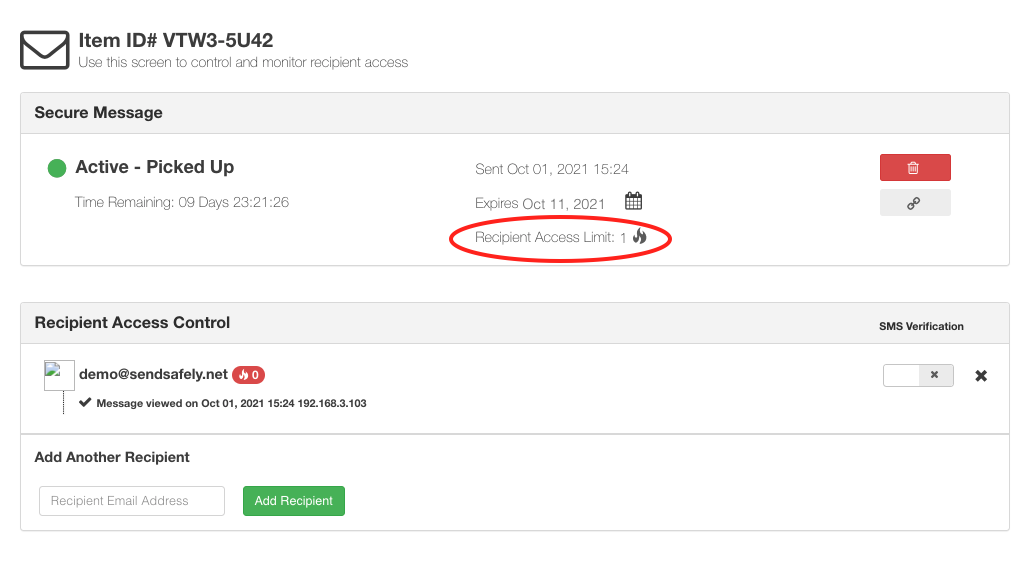
Clicking on the flame icon next to “Recipient Access Limit” allows the sender to adjust limits upwards or downwards. This is useful if a recipient requires additional access attempts after their access has been disabled.
Recipient Access Limits is a feature included in the SendSafely Advanced Privacy Bundle. Contact sales@sendsafely.com for more information on how to enable this option for your SendSafely subscription.
SendSafely: Encrypted File Transfer for Modern Business
If your organization needs a secure way to transfer files with customers or business partners, our platform might be right for you. Contact us today.
Request a Demo


