Skip to content
New AI Custom Form BuilderDescribe the intake form. It ships branded and end-to-end encrypted.AI Custom Form Builder is here See it build
Integrations

Video Preview Now Available in Zendesk

Brian Holyfield · · 1 min read

Our popular Zendesk Sidebar App now allows agents to preview video files in .mp4, .webm and .mov format in the Zendesk console. CX agents and support engineers alike will enjoy the streamlined process of viewing videos directly in Zendesk, without having to download the file first.

To preview a video file, agents can click on the file name within the SendSafely Sidebar App. The video is automatically rendered in a file viewer modal window. Files larger than 500 MB will not be previewed, and will be downloaded directly instead.
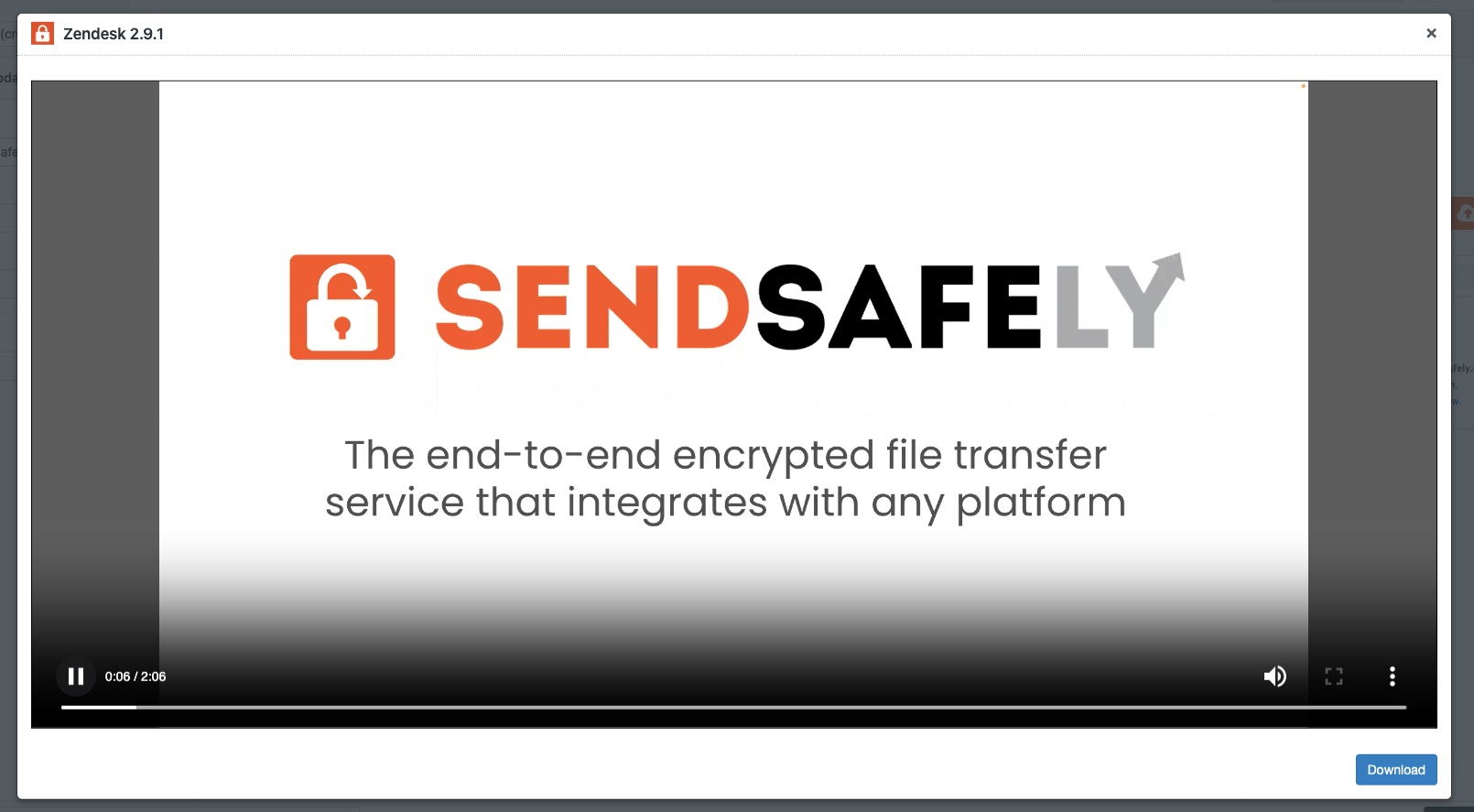
Zendesk Video Preview

An overview of our Zendesk integration along with instructions on how to install and setup each component can be found in our Online Help Center.


SendSafely: Encrypted File Transfer for Modern Business

If your organization needs a secure way to transfer files with customers or business partners, our platform might be right for you. Contact us today.

Request a Demo

Frequently asked questions

Can Zendesk agents preview videos sent through SendSafely without downloading them?

Yes. The SendSafely Sidebar App for Zendesk lets agents preview video files in the Zendesk console without downloading them first. Agents click the file name in the app and the video renders in a file viewer window. See the Zendesk integration.

Which video formats can be previewed in the SendSafely Zendesk app?

With the November 2023 release, the SendSafely Zendesk Sidebar App began previewing video files in .mp4, .webm, and .mov format. Agents click the file name in the app and the video plays in a file viewer window inside the Zendesk console.

Is there a size limit for video preview in the SendSafely Zendesk app?

Yes. When video preview launched in November 2023, video files larger than 500 MB were not previewed in the SendSafely Zendesk app; they were downloaded directly instead. Smaller .mp4, .webm, and .mov files open in a viewer window in the Zendesk console.

Why use in-console video preview for support tickets?

Previewing videos inside Zendesk lets CX agents and support engineers review customer recordings without first downloading the file to their device, which streamlines ticket handling.