Skip to content
New AI Custom Form BuilderDescribe the intake form. It ships branded and end-to-end encrypted.AI Custom Form Builder is here See it build
Product

Inline Viewer for Image Files

Brian Holyfield · · 1 min read

SendSafely now allows you to preview image files directly in your browser before saving the file, making it even easier to view scanned files and images.

To preview an image, simply click on the preview (eyeball) icon adjacent to the file download button.
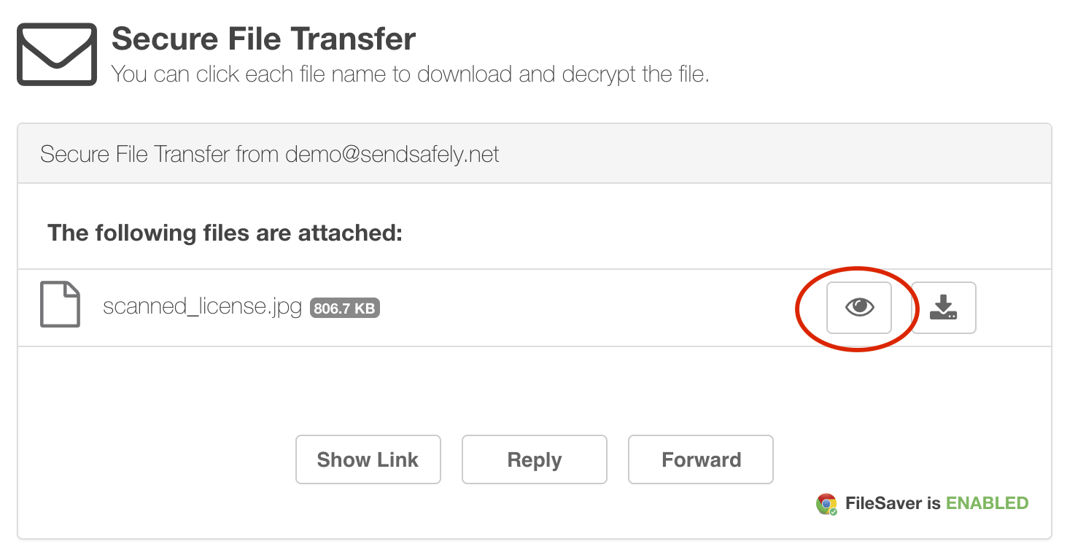
image_preview_button.png

Preview is currently supported for PNG, GIF, JPEG and BMP file types. The viewer also lets you zoom and rotate the image.
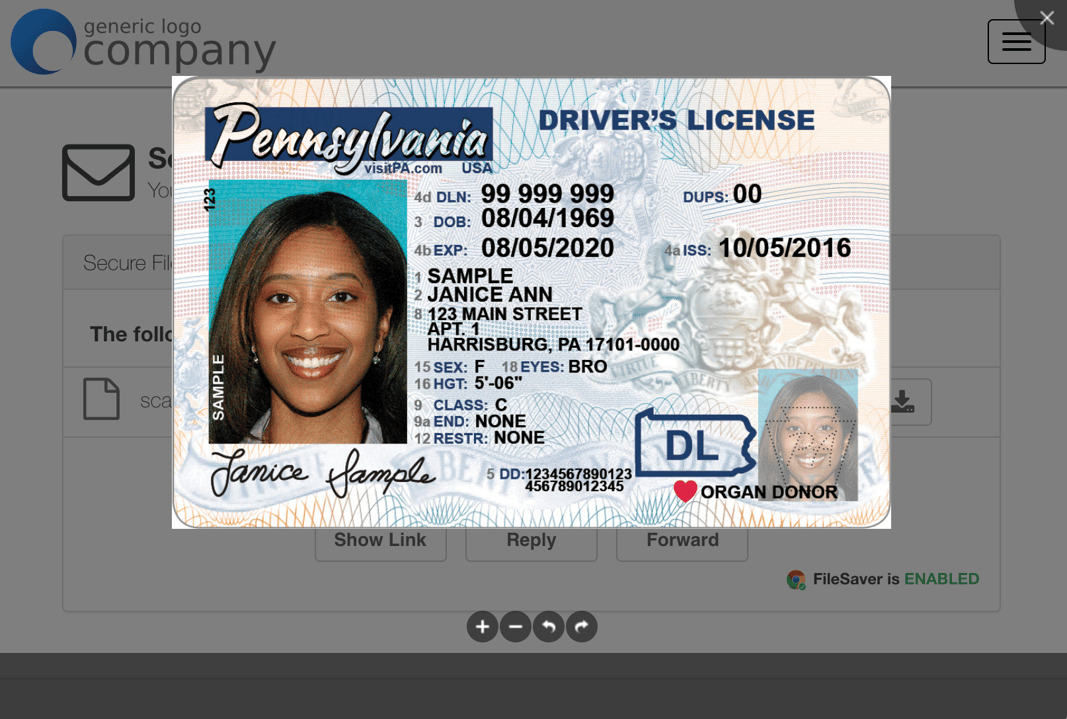
image_preview_modal.png

For any questions regarding this feature, email our support team at support@sendsafely.com.

Frequently asked questions

Can I preview images in SendSafely without downloading them?

Yes. SendSafely lets you preview image files directly in your browser before saving the file, which helps when reviewing scanned documents and images. The Dropzone page also describes in-browser preview of PDFs and images.

How do I preview an image file in SendSafely?

Click the preview (eyeball) icon next to the file’s download button to open the image in the inline viewer.

Which image formats does the SendSafely inline viewer support?

When announced in 2018, the inline viewer supported PNG, GIF, JPEG, and BMP files.